Content marketing is no longer just about writing articles; it's a complex system of research, creation, promotion, and analysis. The right tools don't just save time, they provide the strategic insights needed to outperform competitors and drive predictable growth. But with countless platforms available, from all-in-one suites to specialized applications, how do you build a stack that actually works for your team's specific needs without breaking the budget? This guide cuts through the noise.
We provide a deep-dive analysis of the 12 best content marketing tools, categorized by their core function, from ideation and SEO to creation and distribution. We move beyond generic feature lists to give you practical, real-world context. For each tool, you will find:
Core Feature Analysis: What it actually does best.
Ideal Use Cases: Who benefits most from the platform.
Honest Limitations: Where the tool falls short or might not be a fit.
Pricing & Integration: A clear breakdown of costs and compatibility.
This comprehensive resource is designed for SaaS startups, small marketing teams, and solo creators looking to build an efficient content engine. When building your ideal content stack, a deep dive into the best social media content creation tools can reveal powerful options for a crucial part of your distribution strategy. Our goal is simple: to help you make informed decisions, avoid costly mistakes, and assemble a powerful toolkit for 2025 and beyond. Every review includes screenshots and direct links, so you can evaluate each option for yourself.
1. Viral SEO
Best for: Founders, solo creators, and small teams seeking a focused, data-driven approach to content strategy.
Viral SEO carves out its niche as one of the best content marketing tools by deliberately avoiding the feature bloat common in enterprise suites. It’s an exceptionally lean, conversion-first toolkit engineered to help small teams and founders achieve predictable organic growth without the complexity. Its philosophy is simple: identify what already works for competitors, optimize your content effectively, and measure what matters. This focused approach removes the guesswork that often plagues content creation, making it a powerful ally for resource-constrained teams.
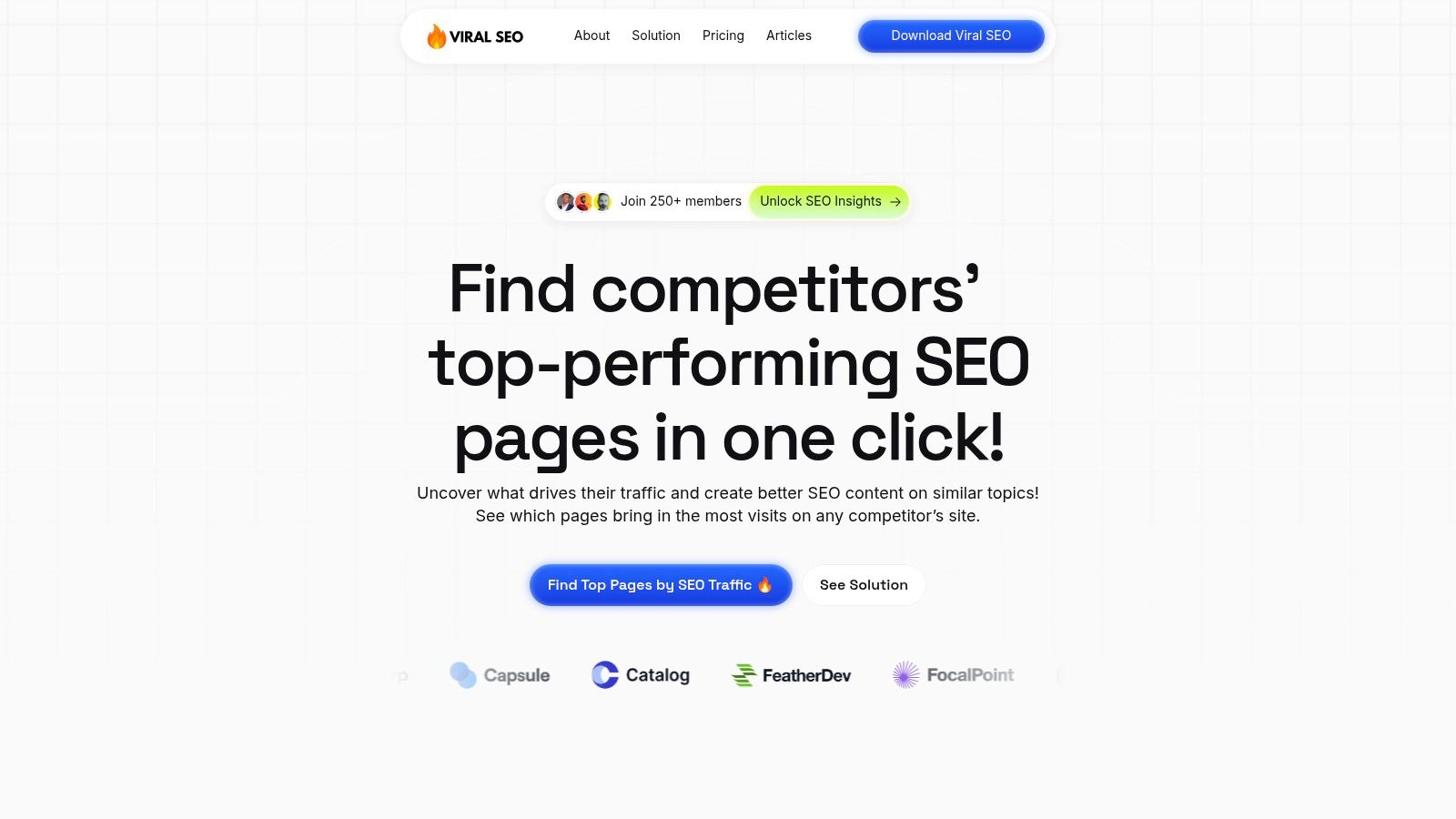
The platform’s standout capability is the Content Gap Analyzer. With a single click, it surfaces your competitors’ top-performing pages, providing a proven roadmap of topics that already attract traffic and build authority. This allows you to bypass low-impact ideas and concentrate your efforts on content with a high probability of success. It integrates directly with Google Search Console, transforming performance data into a clear prioritization framework so you can iterate on existing content with precision.
Key Features and Use Cases
Viral SEO’s opinionated workflow is designed for speed and actionable outcomes. The interface provides color-coded on-page SEO suggestions and a free page-structure audit, translating complex optimization tasks into a simple, visual checklist.
Content Strategy: Use the Content Gap Analyzer to build a content calendar based on proven topics your audience is already searching for.
On-Page Optimization: Leverage the color-coded suggestions to quickly refine blog posts, landing pages, and resource hubs for better rankings.
Performance Tracking: Connect Google Search Console to monitor impressions and clicks, identifying which pages need optimization to improve their SERP position.
Workflow Integration: Export your organized content ideas and insights to publish directly on Framer, Webflow, WordPress, or even in newsletters.
Pricing and Overall Value
Viral SEO offers a straightforward pricing structure that makes it highly accessible for its target audience. The free Essential plan ($0/month) includes the page structure audit and on-page suggestions, while the Pro plan ($9/month) unlocks the powerful Content Gap Analyzer and priority support.
Feature Comparison | Pros | Cons |
|---|---|---|
Simplicity & Focus | Its lean feature set is perfect for small teams that need results without a steep learning curve. | Lacks advanced capabilities like deep backlink analysis or large-scale site crawling. |
Data-Driven Strategy | The one-click Content Gap Analyzer and GSC integration provide a clear path to high-impact content. | Its full value is only realized when you connect your Google Search Console properties. |
Affordability | A free tier and an extremely low-cost Pro plan offer an excellent return on investment. | The most valuable features are gated behind the paid Pro plan. |
Website: https://getviralseo.com
2. HubSpot Marketing Hub
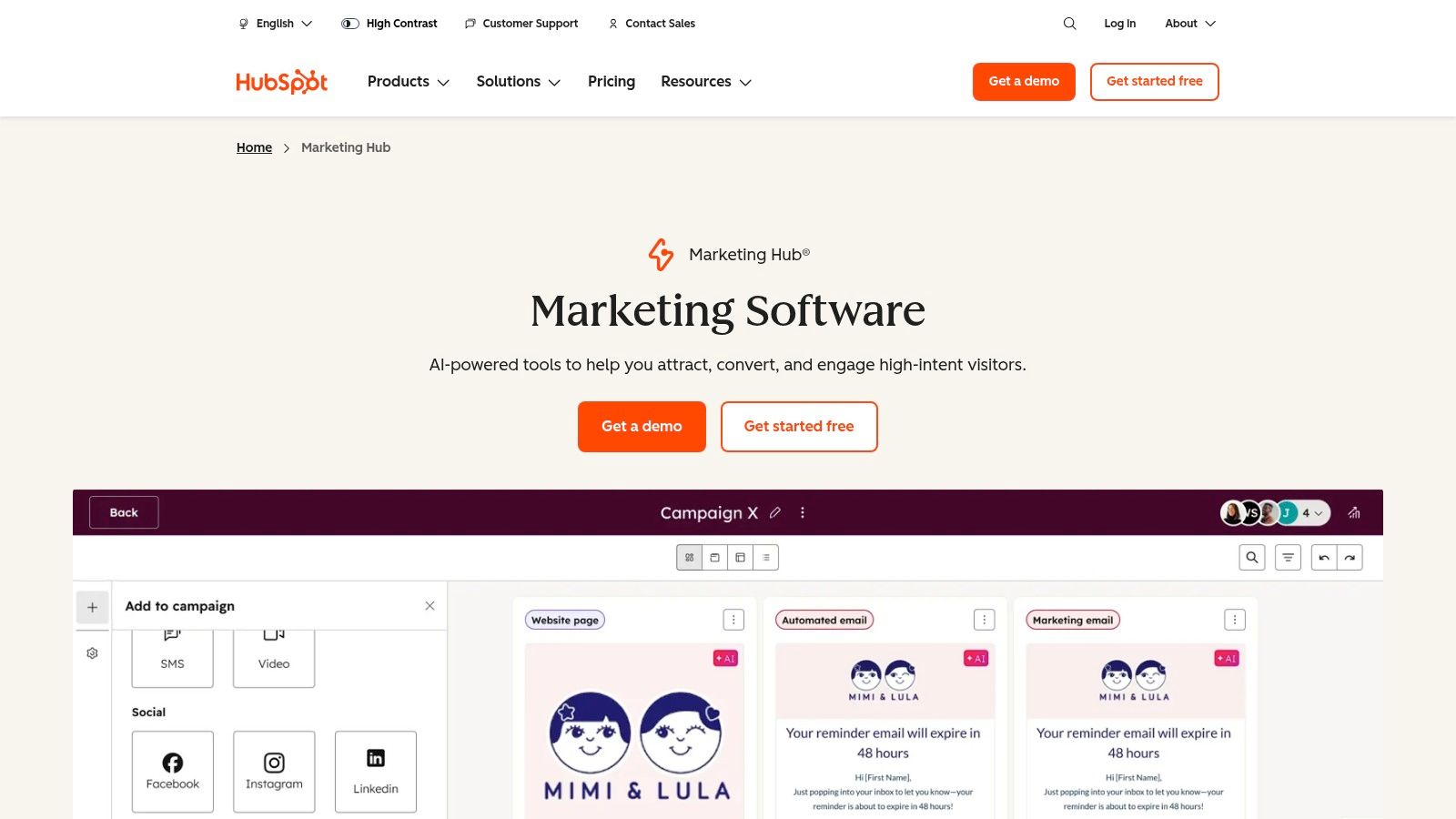
HubSpot Marketing Hub is an all-in-one platform designed to manage the entire marketing funnel, from content creation to lead nurturing and analytics. It stands out by tightly integrating its powerful content tools with a native CRM, allowing teams to connect marketing efforts directly to customer data and revenue. This makes it one of the best content marketing tools for businesses seeking a single source of truth for their marketing and sales operations.
The platform combines a blog and CMS with robust SEO features, email marketing, social media management, and sophisticated automation workflows. Its AI-powered tools, like Content Assistant, can help generate blog outlines, draft social copy, and create email subject lines, significantly speeding up the content creation process.
Core Features & Use Case
HubSpot's strength lies in its comprehensive, integrated nature. A mid-sized SaaS company, for example, could use the blogging tool to publish an article, embed a native HubSpot form to capture leads directly into the CRM, and then use an automation workflow to enroll that lead into a targeted email nurture sequence. This seamless connection between content, lead capture, and automation is a core differentiator.
Key Features: AI Content Assistant, marketing automation, blogging & SEO tools, landing pages, social media scheduling, and advanced reporting.
Ideal Use Case: Perfect for growing B2B companies that need to align marketing and sales teams around a central CRM and prove the ROI of their content efforts.
Pricing and Onboarding
HubSpot’s pricing is a common point of contention. While free tools are available, the paid tiers scale quickly.
Starter: Begins at $18/month (billed annually), offering basic tools.
Professional: Starts at $800/month (billed annually) and includes full marketing automation, A/B testing, and custom reporting. This tier often requires a one-time onboarding fee.
Enterprise: Starts at $3,600/month (billed annually) for advanced features like predictive lead scoring and multi-touch revenue attribution.
Pros:
All-in-One Platform: Consolidates CRM, marketing, sales, and service tools.
Powerful Analytics: Excellent attribution reporting connects content to revenue.
Vast Ecosystem: Extensive documentation, HubSpot Academy, and a large app marketplace.
Cons:
High Cost: Pricing scales significantly based on contact count and features.
Mandatory Onboarding Fees: Higher tiers require a paid implementation process.
Website: https://www.hubspot.com/products/marketing
3. Semrush (Content Marketing + SEO Suite)
Semrush is a comprehensive suite of over 55 tools designed for content marketers who need deep data and competitive intelligence. Unlike all-in-one platforms, Semrush offers modular toolkits (Content, SEO, Social, Advertising, PR) that allow teams to build a tailored stack, making it one of the best content marketing tools for data-driven strategies. It excels at uncovering what competitors are doing and identifying opportunities to outrank them.
The platform provides an end-to-end content workflow, from ideation with the Topic Research tool to creation with the SEO Writing Assistant. Its AI-powered features help generate content briefs, optimize on-page SEO in real-time, and even rewrite existing content. The true power of Semrush lies in its vast database for competitor traffic, keyword, and backlink analysis.
Core Features & Use Case
Semrush's strength is its unparalleled competitive research capability. A content team could use it to analyze a competitor’s top-performing articles, identify the keywords driving their traffic, and find the backlinks powering their authority. Using this data, they can create a superior content brief, write an optimized article, and plan a targeted outreach campaign, all within the same ecosystem.
Key Features: Topic research & brief generation, on-page SEO checker, AI content writing, competitor traffic and keyword analysis, backlink analytics, and position tracking. For more on using these tools, explore how to do effective keyword research.
Ideal Use Case: Perfect for SEO-focused content teams and digital marketing agencies that need to perform deep competitive analysis and create content that systematically outranks others.
Pricing and Onboarding
Semrush offers three main tiers, with costs increasing based on feature limits, users, and projects.
Pro: Starts at $129.95/month, suitable for freelancers and startups with a limited budget.
Guru: Starts at $229.95/month, offering the Content Marketing Platform, historical data, and branded reports for small businesses and agencies.
Business: Starts at $449.95/month, designed for large agencies and enterprises needing API access and extensive data.
Pros:
Deep Competitive Data: Unmatched insights into competitor strategies.
Modular Toolkits: Pay only for the specific functionalities you need.
End-to-End SEO Workflow: Covers everything from research to tracking.
Cons:
Can Be Expensive: Costs add up quickly as you add toolkits or users.
Steep Learning Curve: The sheer number of tools can be overwhelming for new users.
Website: https://www.semrush.com
4. Ahrefs
Ahrefs is a powerhouse SEO platform that has become indispensable for content marketers focused on organic growth. While not a content creation tool itself, it provides the critical data needed to build a successful content strategy from the ground up. It excels at keyword research, competitive analysis, and backlink tracking, making it one of the best content marketing tools for planning content that is designed to rank and attract organic traffic.
The platform is renowned for its massive backlink index and robust keyword database, which fuel its core tools like Site Explorer, Keywords Explorer, and Content Explorer. These features allow marketers to deconstruct competitors' strategies, find low-competition topics, and identify link-building opportunities, ensuring content efforts are based on data, not just guesswork.
Core Features & Use Case
Ahrefs' primary strength is its ability to provide actionable data for the entire content lifecycle, from ideation to performance tracking. A content marketer at a growing startup could use Keywords Explorer to find high-intent, low-difficulty keywords, then use Content Explorer to see what types of articles are already ranking for those terms. After publishing, they can use Rank Tracker to monitor performance and Site Explorer to find websites for outreach and link building. You can even check a website's Domain Rating with Ahrefs.
Key Features: Site Explorer (competitor analysis), Keywords Explorer, Content Explorer (topic ideation), Rank Tracker, and Site Audit.
Ideal Use Case: Essential for SEO-driven content teams, from solo bloggers to digital marketing agencies, who need to make informed decisions about what content to create and promote.
Pricing and Onboarding
Ahrefs offers several tiers, with pricing that can be a significant investment for smaller teams.
Lite: Starts at $99/month, designed for small businesses and hobbyists.
Standard: Begins at $199/month, adding more historical data and tracked keywords.
Advanced: Starts at $399/month, catering to in-house marketing teams with more project limits and features.
Enterprise: Begins at $999/month for large agencies and enterprises needing extensive data access and API credits.
Pros:
Exceptional Data Quality: Renowned for its accurate backlink and keyword data.
Powerful Competitive Insights: Makes it easy to reverse-engineer successful content strategies.
User-Friendly Interface: The platform is intuitive despite its vast amount of data.
Cons:
Premium Pricing: Can be expensive, especially for those just starting out.
Plan-Based Limitations: Access to data rows and advanced exports is gated by tier.
Website: https://ahrefs.com
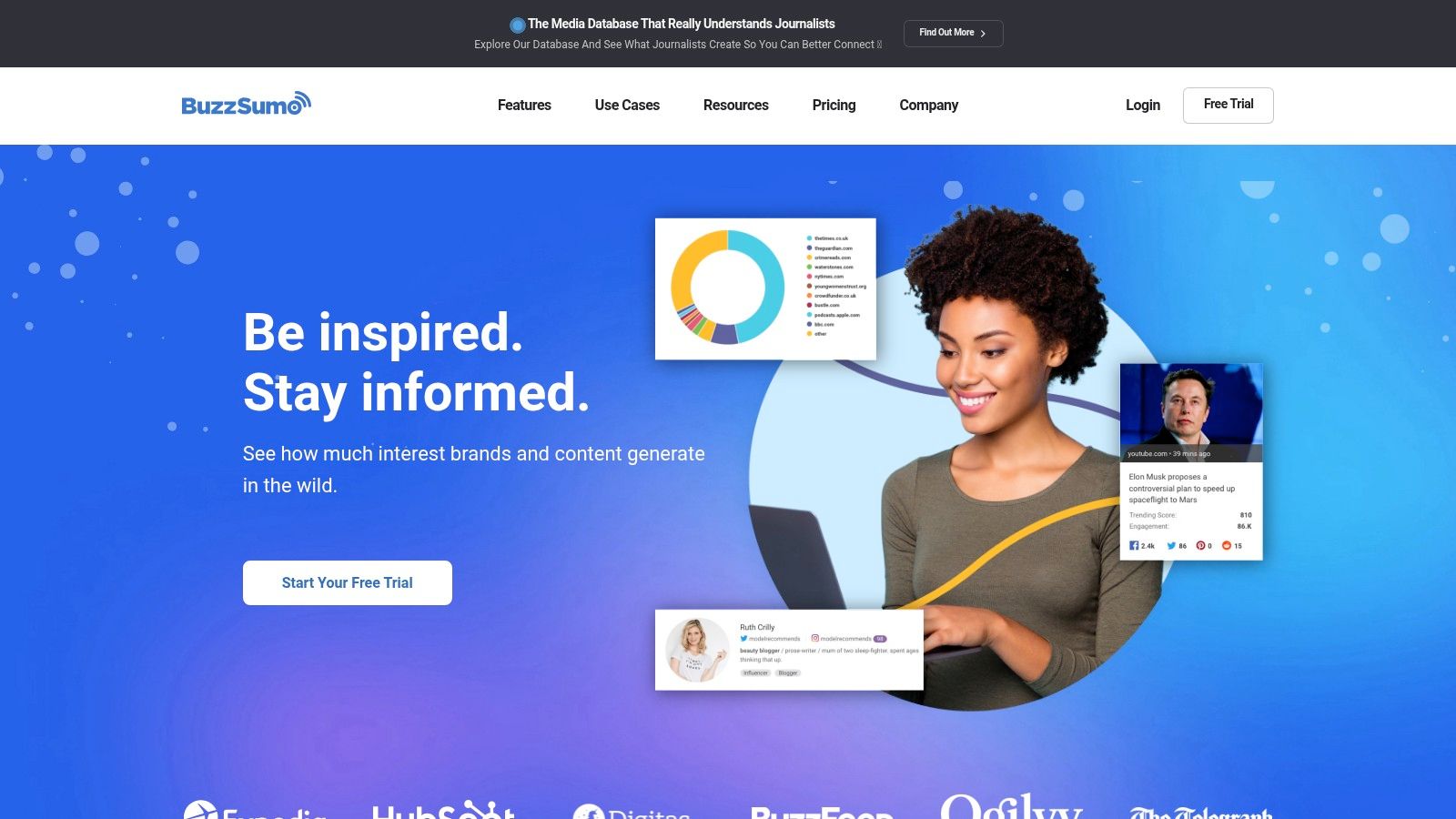
5. BuzzSumo
BuzzSumo is a powerful research and monitoring platform that helps marketers understand what content resonates with their audience. Instead of focusing on content creation, it excels at the critical ideation and planning stage by revealing high-performing topics, trending articles, and influential voices across any niche. This makes it one of the best content marketing tools for developing data-driven strategies that capture audience attention from the start.
The platform's core strength is its massive index of web content, which you can filter by engagement metrics across social media, backlinks, and more. This allows you to quickly validate content ideas, analyze competitor strategies, and build comprehensive content briefs based on proven performance data. It is an indispensable tool for ideation, brief building, and PR outreach.
Core Features & Use Case
BuzzSumo's power lies in its ability to quickly surface actionable insights. For instance, a content marketer planning a pillar page on "remote work productivity" could use the Content Analyzer to find the most shared articles on that topic from the past year. They could then use the Question Analyzer to see what specific questions people are asking on Reddit and forums, ensuring their content directly addresses real user pain points.
Key Features: Content Analyzer, trending feeds, Question Analyzer, journalist and influencer database (higher tiers), and brand/competitor monitoring alerts.
Ideal Use Case: Essential for content strategists and SEOs focused on topic ideation, competitor analysis, and building data-backed content briefs.
Pricing and Onboarding
BuzzSumo offers several tiers, with limitations on searches, alerts, and exports scaling with price.
Content Creation: Starts at $199/month, offering core content discovery tools.
PR & Comms: Starts at $299/month, adding a media database and outreach features.
Suite: Starts at $499/month, providing full access to all features and more generous limits.
Enterprise: Starts at $999/month for large teams needing API access and extensive monitoring.
Pros:
Quick Performance Insights: Instantly see what content performs well in any niche.
Excellent for Ideation: Uncovers trending topics and user questions to guide strategy.
Useful for PR & Outreach: Higher tiers include a robust journalist database.
Cons:
Feature Limitations: Key features like alerts, exports, and user seats are limited by tier.
High Cost for Full Suite: Access to all features, especially PR tools, carries a significant cost.
Website: https://buzzsumo.com
6. Buffer
Buffer is a streamlined social media toolkit designed to simplify content distribution and engagement. Its core function is to help marketers schedule posts across multiple platforms, analyze performance, and interact with their audience from a single dashboard. Where other platforms bundle countless features, Buffer stands out with its transparent, a la carte pricing and an intuitive interface, making it one of the best content marketing tools for teams focused specifically on social media management without a hefty price tag.
The platform excels at making content scheduling visual and straightforward. Users can plan their posts on a drag-and-drop calendar, set up automated posting queues, and even schedule the first comment on platforms like Instagram to keep captions clean. Its recently added AI Assistant helps draft post variations, brainstorm ideas, and repurpose content, which is a valuable addition for busy social media managers.
Core Features & Use Case
Buffer’s strength is its simplicity and affordability for content distribution. A solo creator, for instance, could use the free plan to schedule posts for their blog across Twitter, Facebook, and LinkedIn. As they grow, they could add the Essentials plan for just one or two key channels to access deeper analytics and the engagement inbox, keeping costs predictable and low. This per-channel scalability is a key differentiator.
Key Features: AI Assistant, visual content calendar, post scheduling and queues, engagement tools, and performance analytics.
Ideal Use Case: Perfect for small businesses, solo creators, and nonprofits that need an affordable, easy-to-use tool to manage social media scheduling and engagement.
Pricing and Onboarding
Buffer’s transparent pricing is one of its biggest draws. It offers a generous free plan and flexible paid tiers that scale per social channel.
Free: Includes up to 3 channels and basic planning tools.
Essentials: Starts at $6/month per channel, adding analytics and engagement features.
Team: Starts at $12/month per channel, offering collaboration tools and custom access.
Pros:
Affordable and Transparent: Very low entry cost with clear, per-channel billing.
User-Friendly Interface: Extremely easy to learn and navigate.
Great for Nonprofits: Offers a significant discount for nonprofit organizations.
Cons:
Limited Advanced Features: Lacks the deep automation and CRM features of all-in-one suites.
Cost Can Scale: Pricing can become less competitive if you manage a large number of channels.
Website: https://buffer.com
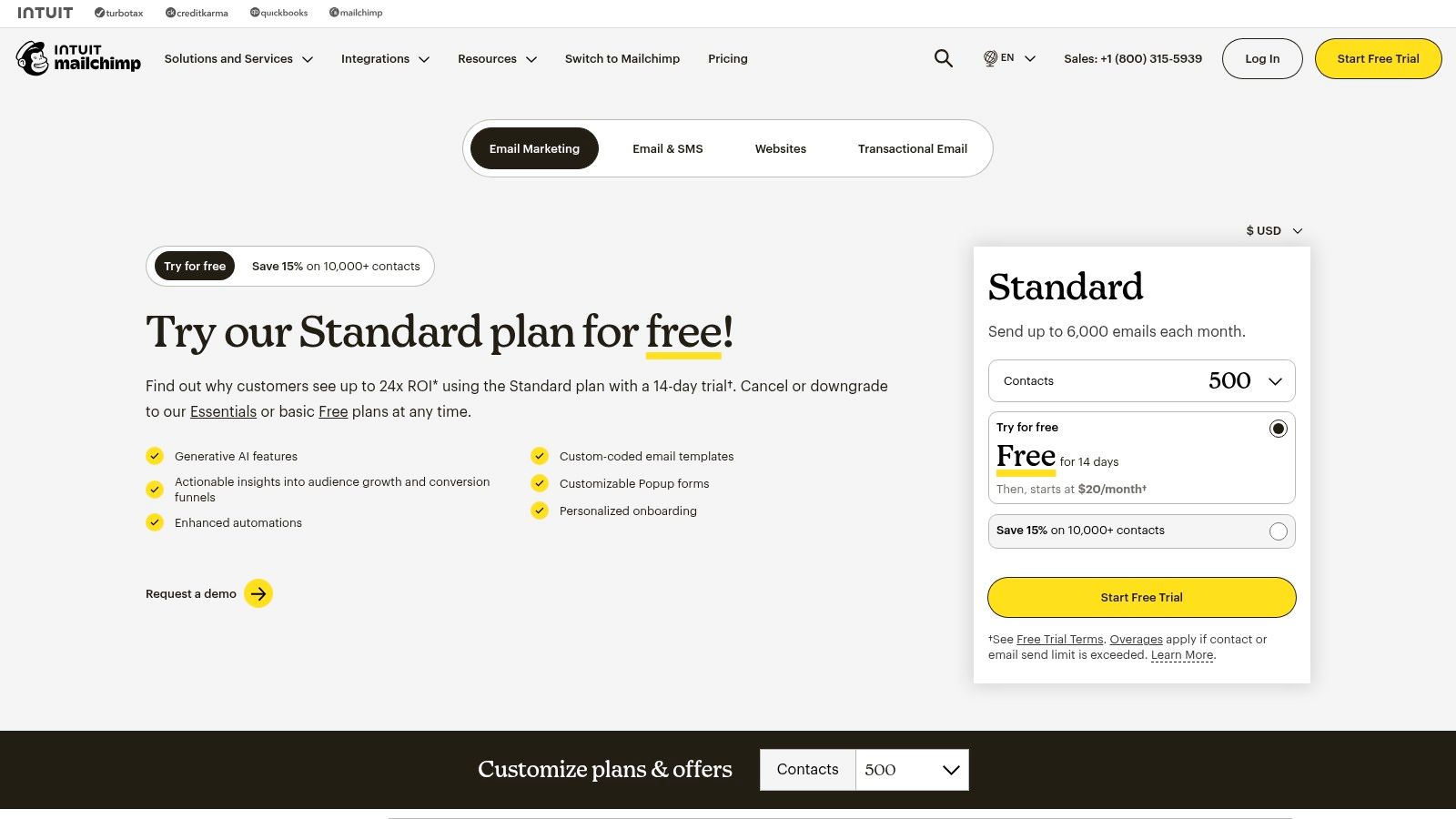
7. Mailchimp
Mailchimp is one of the most recognizable names in email marketing, offering a user-friendly platform for creating, sending, and analyzing email campaigns. While primarily known for newsletters, its strength as a content marketing tool lies in its ability to distribute content, nurture audiences, and drive traffic back to a website or blog. Its approachable interface makes it a go-to for small businesses and creators taking their first steps into audience building.
The platform excels at making email marketing accessible with its intuitive drag-and-drop editor, pre-designed templates, and straightforward automation features called "Customer Journeys." Beyond managing newsletters and general campaigns, exploring dedicated platforms can significantly boost your email outreach efforts for content promotion. For more specialized needs, a look at the top email outreach tools can provide options for high-ROI campaigns.
Core Features & Use Case
Mailchimp's core value is its simplicity in content distribution. A blogger, for instance, could connect their RSS feed to automatically send new post notifications to their subscriber list. An e-commerce store could use segmentation to send a product guide or lookbook only to customers who have purchased from a specific category, turning one-time buyers into repeat customers through valuable content.
Key Features: Email templates, marketing automation journeys, contact segmentation, landing pages, and performance reporting.
Ideal Use Case: Excellent for small businesses, bloggers, and e-commerce stores that need a reliable, easy-to-use tool for newsletter distribution and basic email automation.
Pricing and Onboarding
Mailchimp offers a free plan that is generous, but costs can escalate as your contact list grows.
Free: Up to 500 contacts and 1,000 sends/month with limited features.
Essentials: Starts at $13/month for 500 contacts, adding A/B testing and removing Mailchimp branding.
Standard: Starts at $20/month for 500 contacts, unlocking advanced automation and audience insights.
Premium: Starts at $350/month for 10,000 contacts, offering advanced segmentation and multivariate testing.
Pros:
Ubiquitous and Easy Onboarding: Extremely user-friendly with a minimal learning curve.
Scalable for Growth: You can start small and scale up plans as your list grows.
Extensive Integrations: Connects with hundreds of web platforms and e-commerce tools.
Cons:
Costs Increase Quickly: Pricing rises significantly with contact count and overage usage.
Gated Advanced Features: Key automation and segmentation tools are reserved for higher-tier plans.
Website: https://mailchimp.com/pricing
8. Canva
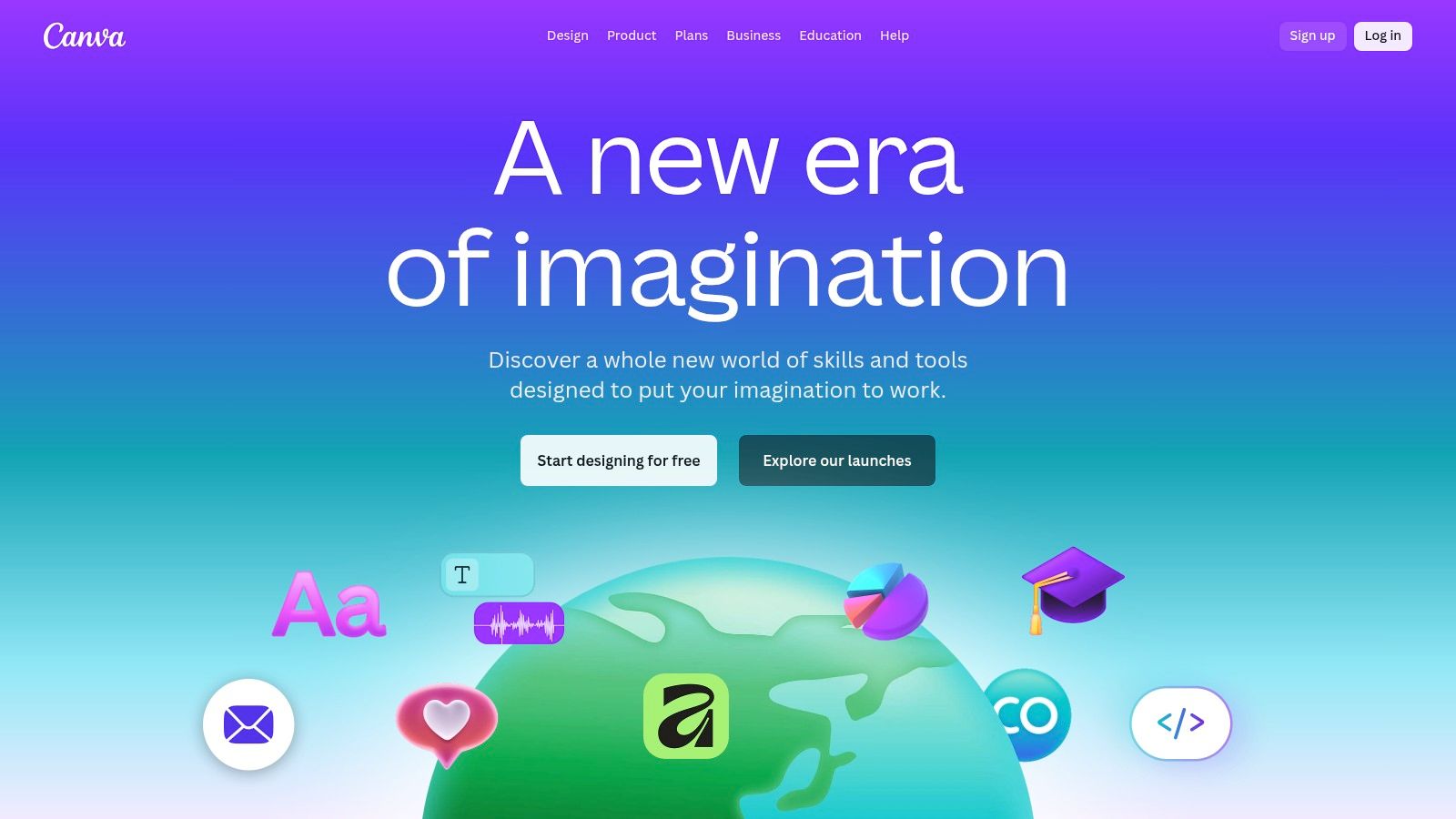
Canva has become an indispensable design suite for marketers who need to create professional-looking visuals without a steep learning curve or expensive software. It democratizes design, allowing anyone to produce everything from social media graphics and blog banners to presentations and short videos. Its strength lies in its vast template library and intuitive drag-and-drop interface, making it one of the best content marketing tools for teams that need to produce high-quality visual assets at scale.
The platform streamlines the creation process with features like Brand Kits, which store logos, color palettes, and fonts for brand consistency across all assets. With its AI-powered Magic Studio, users can generate images, write copy, and even translate designs, further accelerating content production for busy marketing teams.
Core Features & Use Case
Canva excels at enabling rapid, collaborative design. A content marketer, for instance, could draft a blog post graphic using a template, share it with a team member for real-time feedback using the commenting feature, and then use the Magic Switch tool to instantly resize the design for Instagram, LinkedIn, and Twitter. This workflow eliminates the need for a dedicated graphic designer for everyday marketing tasks.
Key Features: Massive template library, Brand Kits, Magic Studio (AI tools), team collaboration features, and a shared content library.
Ideal Use Case: Perfect for marketing teams, startups, and solo creators who need to quickly create a high volume of branded visual content for social media, blogs, and presentations without professional design expertise.
Pricing and Onboarding
Canva offers a generous free plan, with paid tiers unlocking more advanced features, premium assets, and higher AI usage limits.
Canva Free: Offers core design tools and thousands of free templates.
Canva Pro: Starts at $14.99/month for one person, adding the full Brand Kit, premium templates, Magic Studio, and background remover.
Canva for Teams: Starts at $29.99/month for the first 5 people, including features for team collaboration, brand controls, and approval workflows.
Pros:
Fast asset creation: Empowers non-designers to create stunning visuals quickly.
Strong collaboration: Excellent template ecosystem and real-time team features.
Flexible pricing: Affordable per-seat pricing makes it accessible for teams of all sizes.
Cons:
Limited advanced controls: Brand and asset controls require paid tiers.
Plan changes: Some users report occasional changes to plan features and pricing over time.
Website: https://www.canva.com
9. Jasper
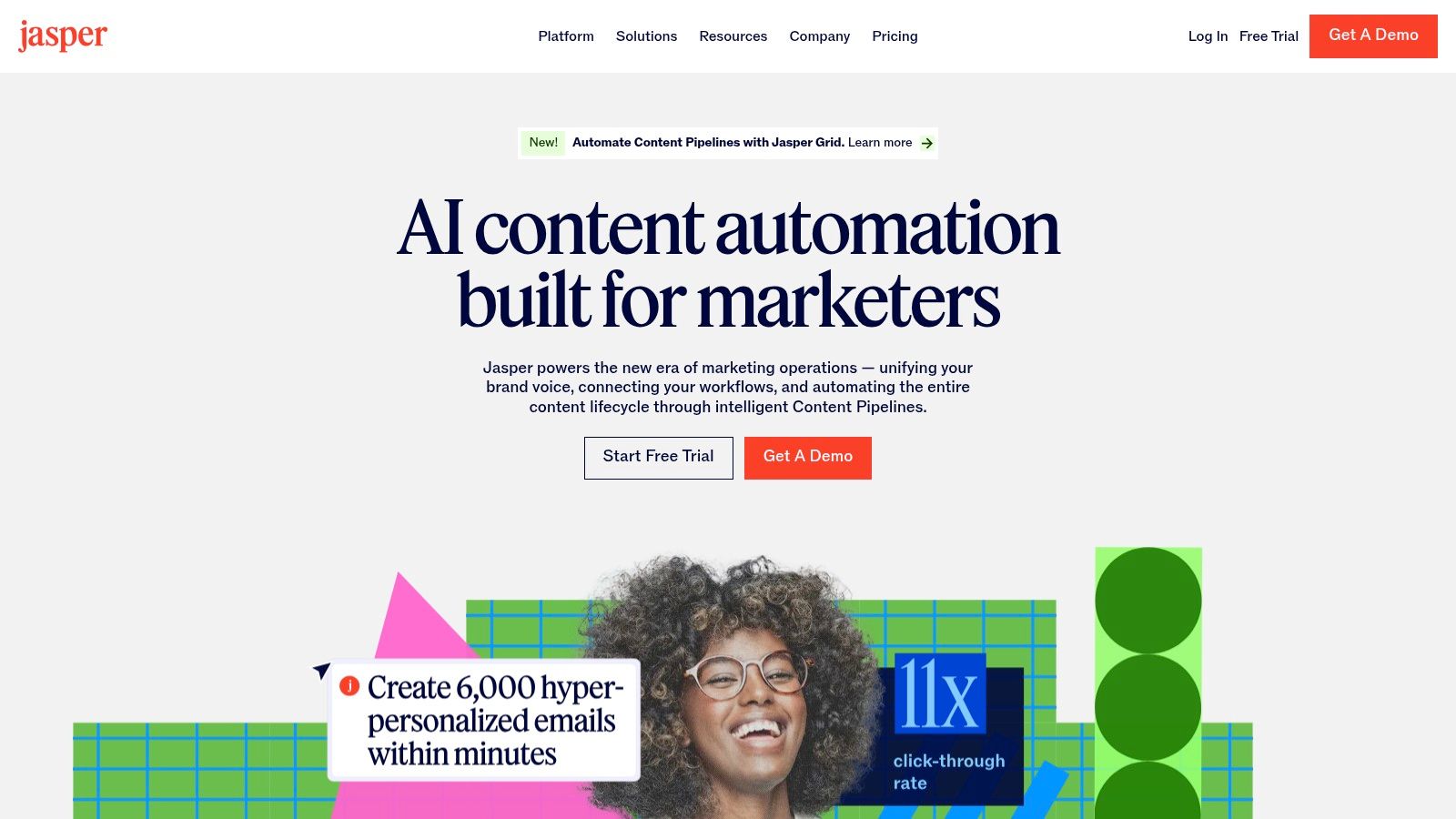
Jasper is a business-focused AI marketing platform designed to accelerate content creation while maintaining strict brand consistency. It moves beyond simple text generation by incorporating brand-specific knowledge, voice, and audience profiles to ensure every piece of content, from blog drafts to ad copy, aligns with company standards. This makes it one of the best content marketing tools for teams looking to scale AI-driven content without sacrificing their unique brand identity.
The platform's core strength is its ability to create comprehensive marketing campaigns from a single brief. Its "Campaign" and "Canvas" features allow users to generate multiple assets like blog posts, social media updates, and email newsletters simultaneously. With enterprise-grade governance and API access, Jasper is built for serious marketing operations that require both creativity and control.
Core Features & Use Case
Jasper excels at creating on-brand content at scale. For instance, a marketing team could upload their style guides, product catalogs, and case studies into Jasper's "Knowledge" base. Using the "Campaign" feature, they can then generate a full set of promotional assets for a new product launch, confident that the AI will use the correct terminology, tone, and product details. This workflow dramatically reduces manual editing and ensures consistency across all channels.
Key Features: Brand Voices & Knowledge base, multi-asset campaign workflows, AI-powered content creation, collaboration tools (Canvas), and enterprise-level admin and API.
Ideal Use Case: Perfect for marketing teams in established companies that need to enforce brand guidelines across AI-generated content and streamline multi-channel campaign creation.
Pricing and Onboarding
Jasper offers a 7-day free trial, with pricing structured around user seats and features. The best value is found in its annual plans.
Creator: Starts at $39/month (billed annually) for one user and one brand voice.
Pro: Starts at $59/month (billed annually) for up to five users, three brand voices, and collaboration features.
Business: Custom pricing, requiring a sales consultation. It includes advanced features like API access, enterprise governance, and unlimited brand assets.
Pros:
Strong Brand Governance: Excellent tools for ensuring AI output matches brand style and information.
Transparent Pricing: Clear monthly and annual pricing for standard tiers with a free trial.
Enterprise-Ready: Offers robust governance, security, and deployment options for large organizations.
Cons:
Annual Billing for Best Value: Monthly plans are significantly more expensive.
Sales Contact for Business Tier: Custom pricing for advanced features lacks transparency.
Website: https://www.jasper.ai
10. Grammarly
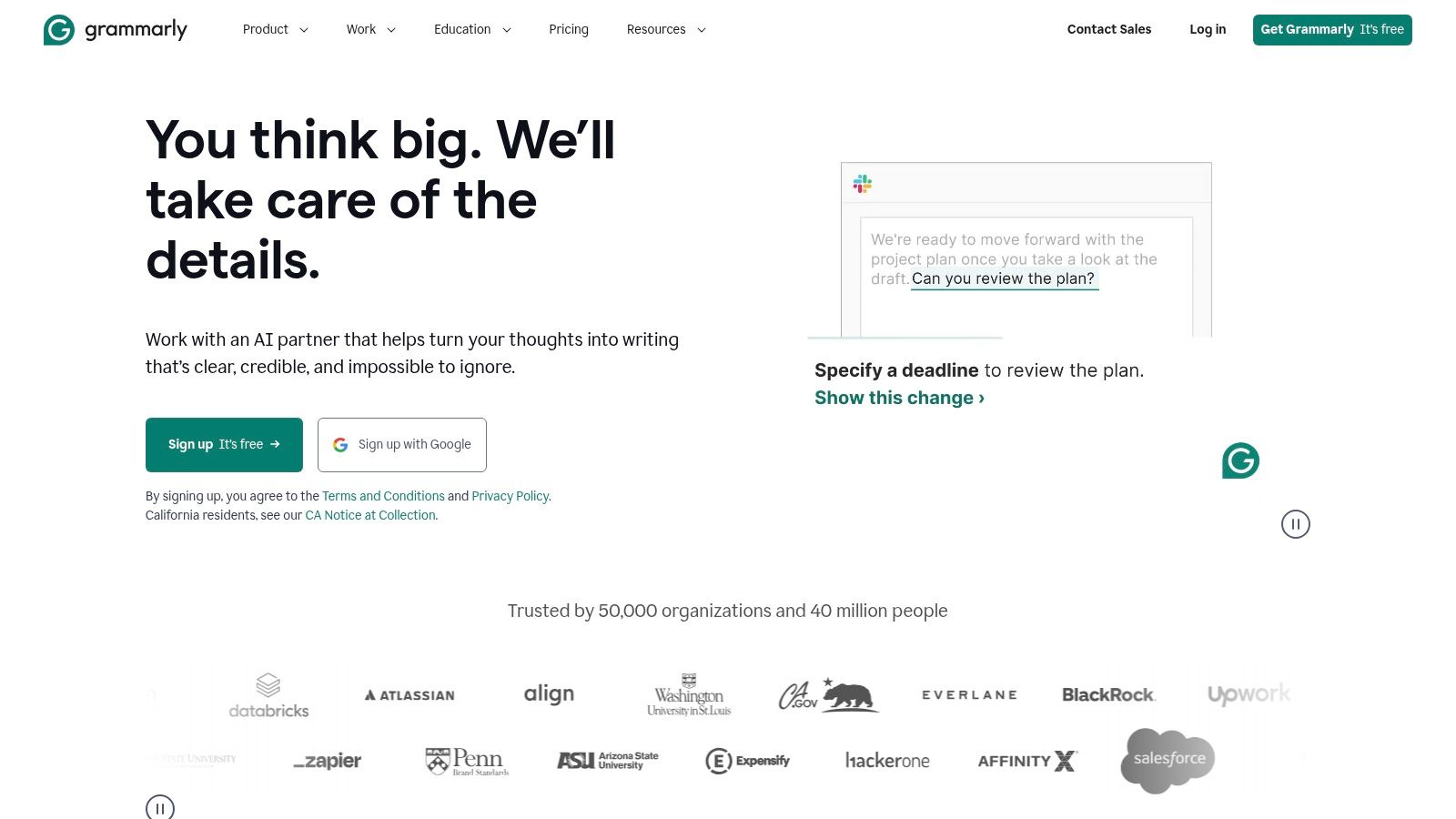
Grammarly is an AI-powered writing assistant that goes far beyond basic spell-checking to ensure every piece of content is clear, compelling, and on-brand. It acts as a final quality-control layer for content marketers, polishing everything from blog posts and social media updates to emails and reports. Its real-time suggestions and tone adjustments help teams maintain a consistent voice and avoid costly errors, making it an indispensable tool for content production workflows.
The platform integrates seamlessly across browsers, desktop apps, and mobile devices, providing feedback wherever you write. For marketing teams, its ability to establish a company-wide style guide and monitor team analytics provides a scalable way to uphold content standards, solidifying its place among the best content marketing tools for quality assurance.
Core Features & Use Case
Grammarly’s primary strength is its widespread and instant applicability. A content writer can draft a blog post in Google Docs, getting real-time suggestions for clarity and conciseness. A social media manager can then use the browser extension to rewrite a post for a more engaging tone directly within their scheduling tool. This universal support ensures brand voice and quality are maintained across all channels.
Key Features: AI-powered writing suggestions, tone and style adjustments, plagiarism checker, team style guides, and enterprise-grade security controls (DLP/SSO).
Ideal Use Case: Essential for marketing teams of any size that need to enforce writing standards, improve content quality, and increase editing efficiency across multiple writers and platforms.
Pricing and Onboarding
Grammarly offers a robust free version, with paid plans unlocking advanced features for individuals and teams.
Free: Provides basic grammar, spelling, and punctuation suggestions.
Premium: Starts at $12/month (billed annually) for individuals, adding style, tone, and clarity improvements.
Business: Starts at $15/member/month (billed annually) and includes a style guide, snippets, brand tones, and team analytics. Enterprise plans offer advanced security and controls.
Pros:
Fast Quality Lift: Instantly improves the clarity and professionalism of all written content.
Easy Rollout: Broad app and browser coverage makes adoption seamless for teams.
Enterprise-Ready: Offers advanced security, invoicing, and procurement options for large organizations.
Cons:
Advanced Features are Gated: Key team controls and security features require a Business or Enterprise plan.
Can Encourage Over-Reliance: Users may become too dependent on the tool, potentially hindering writing skill development.
Website: https://www.grammarly.com
11. WordPress.com
WordPress.com is the fastest way to launch a content-focused website, offering a fully managed platform that handles hosting, security, and maintenance. It differs from the self-hosted WordPress.org by providing an all-in-one, user-friendly solution for building blogs, resource hubs, and landing pages without needing technical expertise. This makes it one of the best content marketing tools for teams who want to focus purely on creating and publishing content.
The platform is built around the intuitive block editor and a vast library of themes, allowing for flexible page design. While free plans are available, paid tiers unlock the ability to install plugins, which significantly expands functionality for SEO, analytics, and lead generation. An emerging AI Site Builder is also available to help draft initial layouts and copy, speeding up the site setup process.
Core Features & Use Case
WordPress.com’s strength lies in its simplicity and scalability. A small business could use it to launch a professional blog in under an hour, using pre-built themes and the block editor to create posts. As their needs grow, they can upgrade to a plan that supports plugins like Yoast SEO to optimize for search engines, a crucial step for any content strategy. For businesses targeting specific geographic areas, integrating these tools is key, as explained in this local SEO checklist.
Key Features: Managed hosting, themes and block editor, AI Site Builder (early access), and plugin support on higher-tier plans.
Ideal Use Case: Perfect for bloggers, startups, and small businesses needing to quickly launch a scalable, low-maintenance content hub or blog.
Pricing and Onboarding
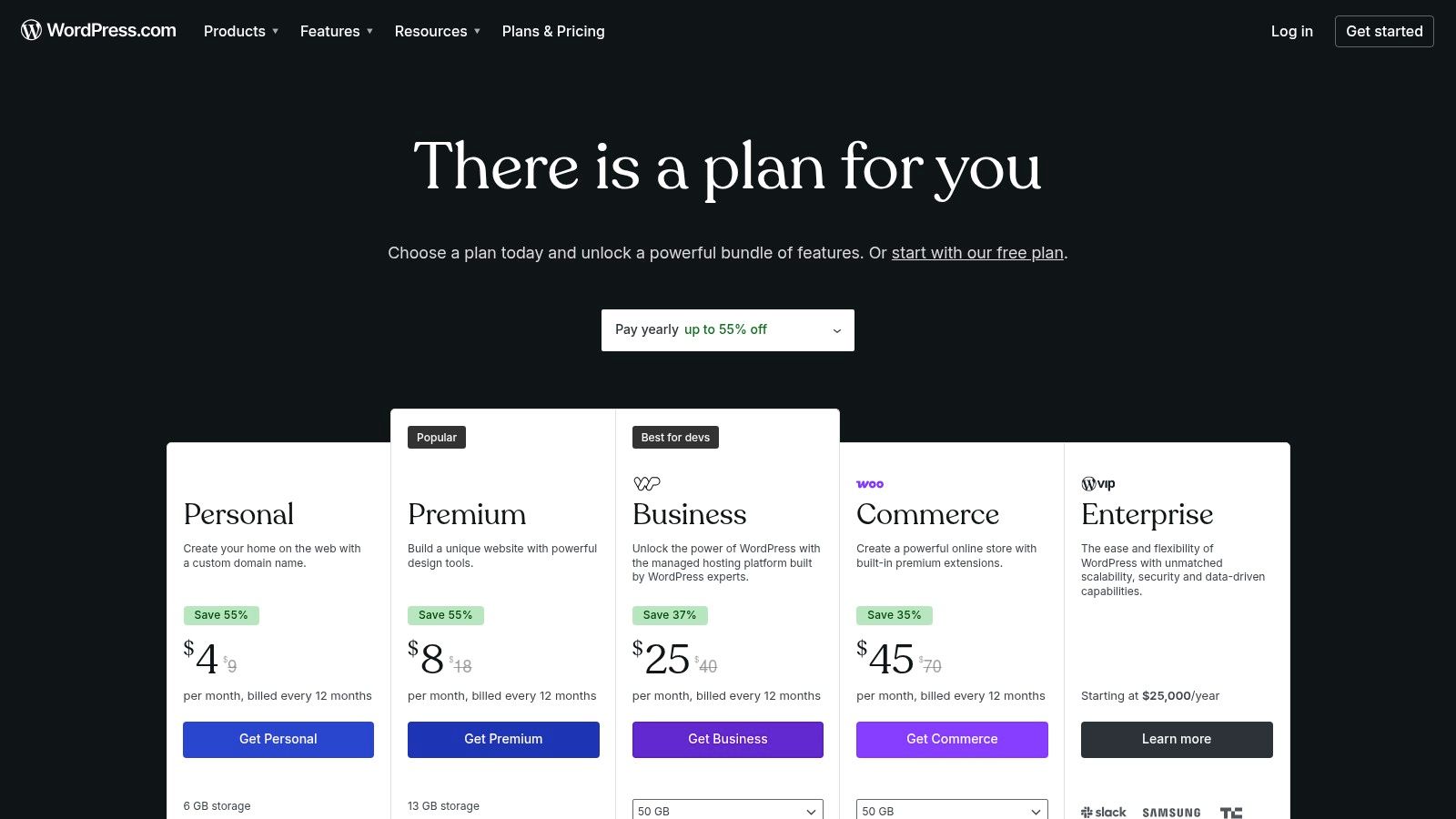
WordPress.com offers a free plan with significant limitations, with paid plans unlocking key features.
Free: Basic features with WordPress.com branding and subdomain.
Personal: Begins at $4/month (billed annually) for a custom domain.
Premium: Starts at $8/month (billed annually), adding advanced design tools and monetization options.
Business: Starts at $25/month (billed annually) and is required for installing plugins and advanced SEO tools.
Pros:
Quick to Launch: Get a content site live in minutes.
Scalable: Easily grows from a simple blog to a full-featured content hub.
Massive Ecosystem: Higher tiers support the vast WordPress plugin and theme library.
Cons:
Plan Limitations: Key features like plugins are locked behind more expensive plans.
Maturing AI: The AI Site Builder is still in development and has some limitations.
Website: https://wordpress.com/plans
12. G2 – Content Marketing Software Category
G2 isn't a single tool, but rather a peer-review marketplace that acts as an essential research hub for finding the best content marketing tools. It helps you cut through marketing jargon by providing access to thousands of user reviews, detailed feature comparisons, and real-world feedback. By aggregating data from actual users, G2 allows you to validate vendor claims and understand how a tool performs in practice before committing to a purchase.
The platform organizes software into specific categories like Content Creation, SEO, and Digital Asset Management, making it easy to discover and compare solutions. Its Grid® reports and Leader badges offer a quick visual reference to identify top-performing products based on market presence and customer satisfaction. This makes it an indispensable first stop for any team building out their content marketing stack.
Core Features & Use Case
G2’s primary value lies in its ability to facilitate informed purchasing decisions. For instance, a marketing manager evaluating three different social media scheduling tools can use G2 to build a side-by-side comparison, read reviews from users in similar industries, and filter feedback based on company size. This process helps uncover potential pain points and hidden benefits that a vendor's website might not reveal.
Key Features: Verified user reviews, side-by-side product comparisons, Grid® reports and category leaderboards, filters for company size and industry, and direct links to vendor demos and trials.
Ideal Use Case: Perfect for marketing teams during the procurement phase, helping them shortlist and validate software choices based on community feedback and real-world performance data.
Pricing and Onboarding
G2 is a free resource for software buyers. Its business model relies on vendors paying for enhanced profiles, marketing services, and buyer intent data.
For Buyers: Access to all reviews, comparisons, and reports is completely free.
For Vendors: Pricing varies widely based on the desired level of profile enhancement, lead generation, and analytics features.
Pros:
Authentic User Feedback: Provides honest insights from real-world users.
Comprehensive Comparisons: Easily compare features, pricing, and ratings for multiple tools.
Broad Coverage: Encompasses nearly every subcategory of content marketing software.
Cons:
Incentivized Reviews: Some reviews may be incentivized, potentially affecting objectivity.
Outdated Information: Pricing and feature lists can sometimes be out of date; always verify on the vendor's site.
Website: https://www.g2.com/categories/content-marketing
Top 12 Content Marketing Tools — Feature Comparison
Tool | Core features | UX / Quality (★) | Value / Price (💰) | Target audience (👥) | Unique selling point (✨) |
|---|---|---|---|---|---|
Viral SEO 🏆 | Content Gap Analyzer, Google Search Console sync, exports, color-coded on-page, page-structure audit | ★★★★☆ — fast, opinionated workflow | 💰 Free Essential; Pro $9/mo | 👥 Solo founders, small teams, indie creators, agencies | ✨ One-click competitor gaps + outcome-focused, simple SEO workflow |
HubSpot Marketing Hub | All-in-one marketing (CRM, automation, landing pages, blogs, analytics) | ★★★★★ — mature UI, deep analytics | 💰 Expensive; scales with contacts/seats | 👥 Mid-market to enterprise marketing teams | ✨ CRM-aligned automation and full-funnel attribution |
Semrush (Content & SEO) | Topic research, briefs, keyword/backlink intel, AI writing, modular toolkits | ★★★★★ — very data-rich, steeper learning | 💰 Paid plans; add toolkits can be costly | 👥 SEO teams, agencies, enterprise marketers | ✨ Deep competitive research + modular toolkits |
Ahrefs | Massive link/keyword index, Site/Content Explorer, rank tracking, audits | ★★★★★ — trusted data quality | 💰 Premium plans; pricey for some teams | 👥 SEOs, content strategists, agencies | ✨ Best-in-class backlink & competitive insights |
BuzzSumo | Content Analyzer, trending feeds, question analyzer, alerts | ★★★★☆ — fast ideation & trend spotting | 💰 Mid-tier pricing; feature limits by plan | 👥 Content marketers, PR, ideation teams | ✨ Quick view of high-engagement content & influencers |
Buffer | Social scheduling, visual calendar, analytics, AI drafting | ★★★★☆ — simple, transparent UX | 💰 Low entry pricing; per-channel billing | 👥 Small teams, social managers, nonprofits | ✨ Affordable, easy social publishing with clear pricing |
Mailchimp | Email templates, segmentation, automation journeys, reporting | ★★★★☆ — ubiquitous, easy onboarding | 💰 Freemium; costs grow with contacts | 👥 Newsletters, e‑commerce, SMBs | ✨ Scalable email tool with many integrations |
Canva | Templates, brand kits, Magic Studio AI, team collaboration | ★★★★☆ — fast asset creation | 💰 Freemium; paid seats for teams | 👥 Marketers, non-designers, small teams | ✨ Rapid visual creation + AI templates & brand control |
Jasper | AI copywriting, brand voices, Canvas workflows, API | ★★★★☆ — focused on scalable content creation | 💰 Paid tiers; best value annual | 👥 Marketing teams, agencies, product marketers | ✨ Brand-governed AI for multi-asset campaigns |
Grammarly | Real-time editing, tone, rewrites, team controls, Enterprise DLP/SSO | ★★★★★ — strong quality lift, broad coverage | 💰 Freemium; enterprise pricing for teams | 👥 Writers, marketers, enterprise teams | ✨ Instant quality improvements + enterprise controls |
WordPress.com | Managed hosting, themes/blocks, plugins, AI Site Builder | ★★★★☆ — flexible CMS, wide ecosystem | 💰 Freemium; paid plans for plugins/AI | 👥 Bloggers, content hubs, small publishers | ✨ Scalable hosted CMS with plugin ecosystem |
G2 — Content Marketing Category | Category filters, user reviews, vendor pages, badges | ★★★★☆ — peer reviews & market signals | 💰 Free to browse; vendor-priced products | 👥 Buyers researching tools, procurement teams | ✨ Large review database for side-by-side validation |
Building Your Growth Engine, One Tool at a Time
Navigating the expansive landscape of content marketing software can feel overwhelming. We've explored a dozen of the best content marketing tools, from comprehensive all-in-one platforms like HubSpot to specialized powerhouses like Semrush and Ahrefs. The core takeaway isn't that one tool reigns supreme, but that the ultimate "best" is a strategic combination tailored to your specific workflow and business goals.
The right technology stack acts as a force multiplier for your content strategy. It transforms manual, time-consuming tasks into streamlined, data-driven processes. It empowers you to move from guessing what might work to knowing what will resonate with your audience and rank on search engines.
How to Build Your Ideal Content Marketing Stack
Choosing your tools is a foundational step in building a predictable growth engine. Rather than adopting an entire suite at once, which can lead to feature bloat and unused subscriptions, approach it methodically. Start by pinpointing your most significant bottleneck.
If you struggle with ideation and strategy: Your first investment should be in a tool that uncovers high-potential topics and analyzes competitor strategies. Tools like Semrush, Ahrefs, and Viral SEO are designed specifically to solve this problem, giving you a clear roadmap before you write a single word.
If content creation is your bottleneck: Focus on tools that accelerate your writing and design process. Jasper can help overcome writer's block and generate drafts, while Grammarly ensures your final copy is polished and professional. Canva democratizes design, allowing anyone to create stunning visuals without a graphic design background.
If you excel at creation but falter on promotion and distribution: Your priority should be platforms that get your content in front of the right audience. Buffer simplifies social media scheduling, while Mailchimp provides a direct line to your audience's inbox, nurturing leads and building community.
Key Considerations Before You Commit
Before you enter your credit card details, take a moment to assess how a new tool will fit into your existing ecosystem. A powerful tool that doesn't integrate with your core platforms, like your CMS or CRM, can create more friction than it resolves. Always check for native integrations or compatibility with automation tools like Zapier.
Furthermore, consider the learning curve. For a solo creator or a small team, a complex enterprise-level platform might be overkill. Choose tools with intuitive interfaces and strong customer support that allow you to get up and running quickly. Your goal is to spend more time creating and marketing, not deciphering complex software.
Ultimately, the best content marketing tools are the ones you actually use consistently. Start small, master one platform that solves your biggest pain point, and measure its impact. As your content marketing operation matures and your revenue grows, you can strategically expand your stack, adding new capabilities that align with your evolving needs. This iterative, results-focused approach ensures your toolkit remains a lean, effective engine for sustainable organic growth.
Ready to eliminate the guesswork from your content strategy? While comprehensive SEO suites are powerful, Viral SEO focuses on the most crucial first step: finding low-competition, high-traffic keywords that your business can realistically rank for. Start building your content roadmap with confidence by trying Viral SEO today.
Blogs
More Blogs
From keyword goldmines to AI-driven content hacks—expert insights to help your blog posts dominate the first page.


