"Near Me" Search: How to Show Up When Someone's Standing Right Outside Your Door
Picture this. Someone's walking down the street, stomach growling, and they type "pizza near me" into their phone.
Three pizza places pop up on a map. They tap one. Twenty minutes later, that place has a new customer.
Now flip it around. What if YOUR pizza place wasn't one of those three? That customer, that sale, that new regular, just walked right past you and you never even knew they existed.
That's the power of "near me" searches. And in this guide, we're going to break down exactly how they work, why they matter so much, and what you can actually do about it. Plain English. No jargon. Practical steps you can start today.
What Are "Near Me" Searches, Really?
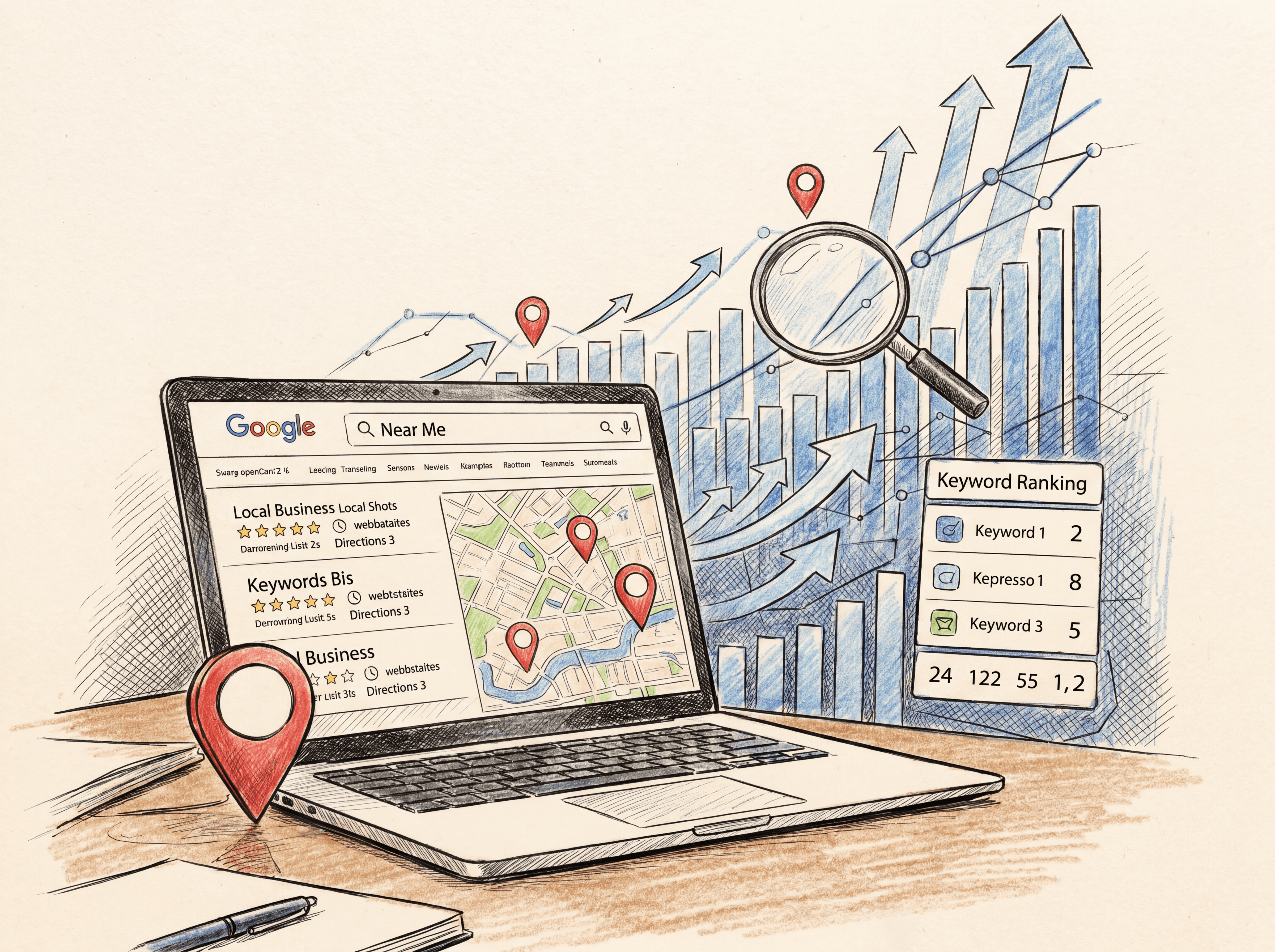
A "near me" search is exactly what it sounds like. Someone types a search that includes words like "near me," "nearby," "close to me," or "open now near me."
Examples:
"Coffee shop near me"
"Dentist near me that takes my insurance"
"24 hour pharmacy near me"
"Best tacos near me"
These searches are different from someone typing "best tacos" or "tacos in Chicago." The "near me" version tells the search engine something very specific: "I want to do something soon, and I want it close to where I am right now."
That little phrase, "near me," is basically a giant flashing sign that says "I'm ready to buy, visit, call, or book. Show me my options nearby."
Why "Near Me" Searches Are Pure Gold
Here's the thing that makes "near me" searches so valuable. The people typing them aren't just browsing. They're close to making a decision, often within minutes or hours.
Some real numbers worth knowing:
A large majority of people who do a local search on their phone end up visiting a business near them within 24 hours
More than half of smartphone users have directly contacted a local business straight from search results, like tapping "call" or "get directions"
Most people use Google Search and Google Maps specifically to find information about local businesses
Compare that to someone searching "how does invisalign work." That person is just learning. They're not ready to book an appointment yet. But someone searching "invisalign near me"? They're picking which dentist's office to walk into.
Think of it like a funnel. At the top, people are researching ("is invisalign safe"). In the middle, they're comparing options. At the bottom, "near me" searches are the moment someone is about to pull the trigger. That bottom-of-funnel moment is where the money is.
How Google Figures Out Where You Are (Spoiler: It Already Knows)
Here's something that surprises a lot of people. You usually don't even need to type "near me" for Google to show you local results.
Try this. Open Google and just search "dentists." No city, no "near me," nothing. You'll almost certainly get a map with a few local dentist listings right at the top, plus a list of nearby dental websites below that.
Google does this because it already knows roughly where you are. It figures this out using your phone's location settings, your IP address, your Google account info, and your search history. Google has said that when it estimates your location for search purposes, it uses an area covering at least a few square kilometers, or expands that area until it covers at least 1,000 people.
So why do people still type "near me" if Google already knows where they are? A few real reasons:
They don't realize Google already knows their location
Their first search returned results that were too far away, so they add "near me" to narrow things down
They're searching for something in a different city than where they currently are, like planning a trip
The search itself is ambiguous. Searching "granola" could mean a recipe, a brand, or a store. Adding "near me" clears up the confusion instantly
Bottom line: Google is constantly trying to figure out if a search has "local intent," meaning the person probably wants nearby results. Adding "near me" is just a more obvious way of saying "yes, I definitely mean nearby."
The Three Things That Decide Your Local Ranking
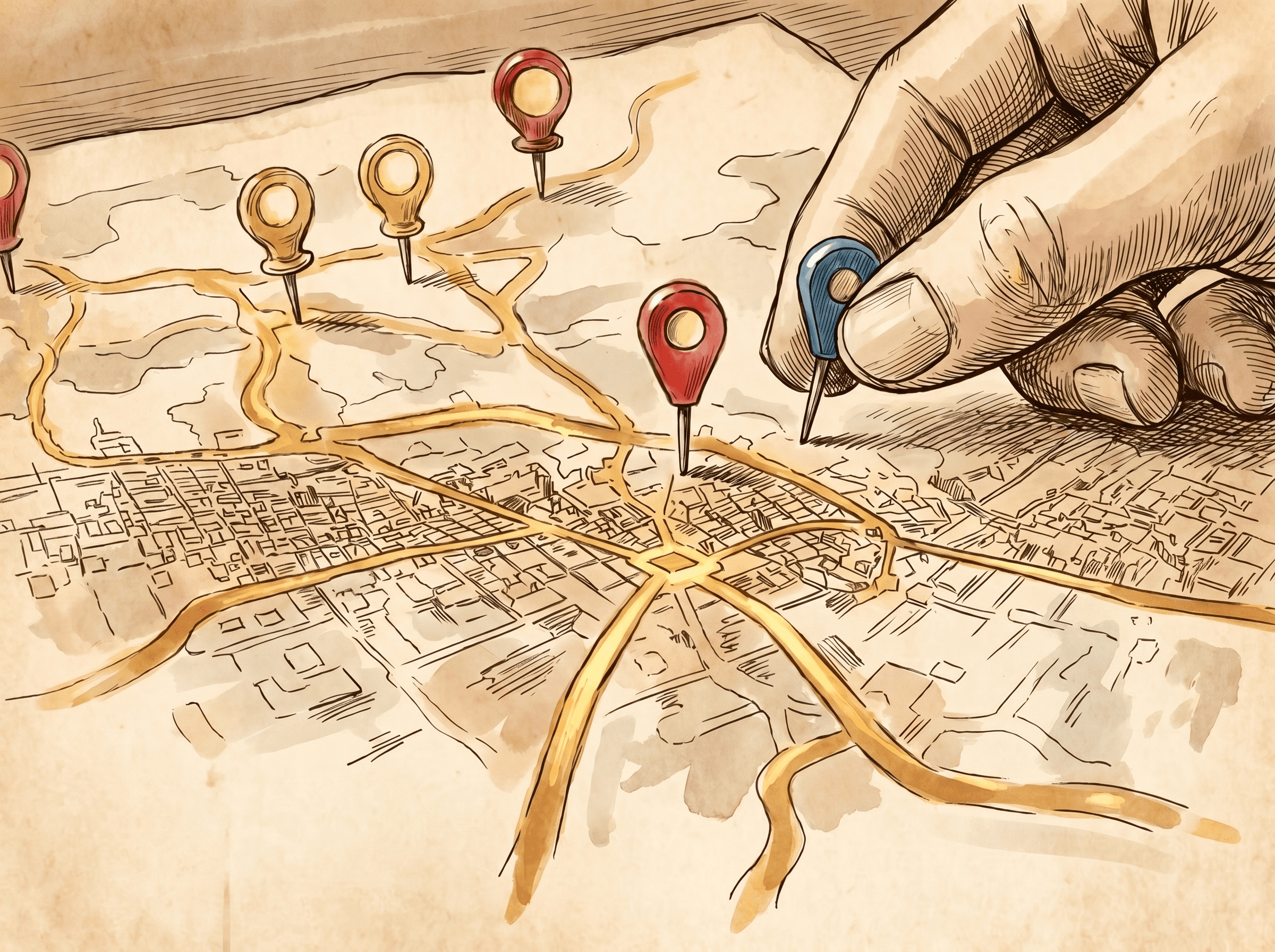
Google has been pretty open about what determines where your business shows up in local results. It comes down to three factors.
1. Relevance. How well does your business match what someone is searching for? If someone searches "vegan bakery" and your Google Business Profile clearly says you're a vegan bakery, with photos of vegan baked goods and a matching description, you're relevant. If your profile is vague or incomplete, Google has a harder time matching you to the search.
2. Distance. How close is your business to the person searching? You can't really "optimize" your way around physical distance. But you CAN make sure Google has your correct address, so it's measuring distance accurately in the first place.
3. Prominence. How well-known and well-reviewed is your business? This includes things like how many reviews you have, your star rating, and how many other websites mention or link to your business.
Here's the practical takeaway: you have very little control over distance, but you have a TON of control over relevance and prominence. That's where to focus your energy.
Step 1: Get Your Google Business Profile in Shape
If "near me" searches are the front door to new customers, your Google Business Profile is the welcome mat. This free listing is often the very first thing people see about your business, especially on mobile.
Here's your action checklist:
Claim and verify it. If you haven't done this yet, stop reading and go do it right now. An unclaimed or unverified profile is like leaving your storefront with no sign on it.
Fill out every single section. Business name, full address, phone number, website, hours (including holiday hours), and the categories that describe what you do. Incomplete profiles get buried. Complete ones get found.
Write a real description, not a placeholder. One analysis found that businesses ranking near the top of local search results tended to have descriptions around 70 words long, while lower-ranking businesses often had much shorter ones. Don't just write "We sell pizza." Write a couple of sentences about what makes your place worth visiting.
Add photos. Lots of them. Interior shots, exterior shots (so people recognize your building when they pull up), your products, your team. Listings with active, recent photos tend to feel more trustworthy and "alive" to both Google and to people scrolling through results.
Pick the right categories. Your primary category should be the most accurate description of your business. Add secondary categories for other relevant services you offer, but don't go overboard adding categories that don't really apply.
Post regularly. Google Business Profiles let you publish short updates, kind of like mini social media posts. Sales, new menu items, events, anything. An active profile signals to Google (and to customers) that your business is alive and paying attention.
Step 2: Make Reviews Your Best Friend
Reviews aren't just for customers deciding between you and a competitor. They're a major ranking factor too.
One analysis found that highly visible local listings had collected over 200 reviews, while lower-ranking businesses had noticeably fewer. More reviews, and especially more positive reviews, consistently correlate with better local visibility.
Here's how to actually build up reviews without being annoying about it:
Just ask. Most happy customers are willing to leave a review, they just don't think to do it on their own. A simple "if you have a minute, we'd really appreciate a review" works wonders.
Make it easy. Send a direct link to your review page via text or email after a purchase or appointment. The fewer steps someone has to take, the more likely they'll follow through.
Respond to every review. Good or bad. Responding to positive reviews shows appreciation. Responding to negative reviews professionally shows future customers that you take feedback seriously and try to make things right. This activity also signals to Google that your profile is actively managed.
Never buy fake reviews. It's tempting, especially when you're starting out and have zero reviews. Don't. Getting caught can tank your entire profile, and Google has gotten much better at spotting patterns of fake reviews.
Step 3: Keep Your Business Info Identical Everywhere (NAP Consistency)
NAP stands for Name, Address, and Phone number. This sounds boring, but it genuinely matters.
Here's the idea. Your business gets mentioned in lots of places online: your website, your Google Business Profile, Yelp, Facebook, industry directories, the local Chamber of Commerce site, and so on. If your business name, address, and phone number are written slightly differently in each of these places, it creates confusion.
Example of inconsistency:
Website: "123 Main Street, Suite 4"
Google listing: "123 Main St #4"
Yelp: "123 Main Street"
To you, these all obviously mean the same place. To search engines trying to verify that your business is real, established, and trustworthy, these small differences can create doubt.
The fix: Pick one exact format for your name, address, and phone number. Write it down somewhere. Then go through your website, your Google Business Profile, and every directory listing you can find, and make sure they all match that exact format, word for word, abbreviation for abbreviation.
This is tedious. It's also one of those unglamorous tasks that quietly helps your local rankings over time.
Step 4: Should You Actually Use the Words "Near Me" on Your Website?
Okay, here's the controversial part. Should you literally write "near me" in your website's titles, headings, and content?
There's research showing a real connection between adding "near me" language to titles, headers, and page URLs and getting a boost in regular (organic) search rankings. Interestingly, this boost tends to show up more in organic search results below the map listings, not in the map pack itself.
But here's the catch. Imagine a heading that says:
"We Are The Most Trusted Plumber Near Me In Springfield"
Read that out loud. Nobody talks like that. It sounds like it was written for a robot, because it was. Google has been pushing website owners hard toward "people-first" content, meaning content that sounds natural and helpful to actual humans, not stuffed with search phrases.
So what's the move? Here are a few ways to get the benefit without sounding like a robot wrote your website:
Use "near you" instead of "near me." Research suggests Google treats these phrases similarly for ranking purposes, but "near you" sounds like something an actual person would say. "Looking for a trusted plumber near you in Springfield? We've served local families for over 15 years." That reads naturally.
Let your customers say "near me" for you. This is honestly the best option. Ask happy customers to share their story in a review or testimonial, specifically mentioning how they found you because you were nearby. Something like "I searched for a dentist near me after my regular dentist retired, and I'm so glad I found this office, it's literally five minutes from my house." That's natural, it's honest, and it includes the exact phrase that matters, all without your business sounding desperate.
Create dedicated location pages, if you serve multiple areas. If your business serves several neighborhoods or towns, a separate page for each area (with genuinely different, useful content for each) can help you show up for searches specific to those areas, without cramming "near me" everywhere.
One last thought on this. Right now, there's no strong evidence that Google considers "near me" or "near you" phrasing spammy. But Google's stance on what counts as "helpful" content can shift over time. If you notice your rankings drop after adding this kind of language, it might be worth reconsidering.
Step 5: Don't Forget AI Search Tools
Here's something newer to think about. People are increasingly asking AI tools like ChatGPT questions that include "near me," just like they would with Google.
Research has found that a majority of results returned by AI tools for local-sounding questions actually point back to real business websites, not just generic information. Some AI tools, when asked something like "best tacos near me," will pull from a mix of sources including business websites, review sites like Yelp, and even discussion forums like Reddit.
What does this mean practically? It means the same fundamentals that help you in regular Google search, an accurate, complete online presence, plenty of reviews, and a real, helpful website, also help you show up when people ask AI assistants for local recommendations. There isn't some separate secret AI trick. Get the fundamentals right, and you're covering both bases.
Step 6: Build Real Connections in Your Community (Not Just Online)
Prominence, remember, is one of the three big local ranking factors. And prominence isn't built only through your website and Google profile. It's built through your reputation in the real world too.
A few practical ideas:
Get listed in local directories. Chamber of Commerce, local business associations, industry-specific directories. Each one is another place that confirms "yes, this business is real and located here," as long as your NAP info matches everywhere.
Partner with nearby businesses. A coffee shop and a bookstore on the same block can cross-promote each other. A gym and a smoothie shop nearby can do the same. These partnerships often lead to natural mentions and links between each other's websites.
Sponsor or participate in local events. Local news sites, event pages, and community blogs often link back to sponsors and participants. These links, plus the genuine community goodwill, both help.
Get mentioned by local media. A short feature in a local newspaper or community blog isn't just nice for your ego, it's another signal of legitimacy and prominence.
Quick Mistakes to Avoid
Let's wrap up with a rapid-fire list of things that quietly hurt "near me" visibility.
Mistake: Leaving your hours outdated. Nothing frustrates a "near me" searcher more than driving over to a place that's actually closed, even though Google said it was open. Update your hours for holidays and special closures.
Mistake: Using a PO box or virtual address. If your business doesn't have a real, physical location customers can visit, this can cause problems with your Google Business Profile and local rankings in general.
Mistake: Ignoring negative reviews. A bad review left unanswered for months looks worse than a bad review that got a thoughtful, professional response.
Mistake: Creating fake or duplicate listings. Sometimes businesses end up with multiple Google listings due to past moves, rebrands, or accidental duplicates. These can split your reviews and confuse your rankings. Search for your business name and address to check for duplicates, and get extras removed or merged.
Mistake: Forgetting mobile. Most "near me" searches happen on phones. If someone taps through to your website from a "near me" search and it's slow or hard to use on mobile, you've lost them, even after winning the hard part of getting found.
The Bottom Line
"Near me" searches are about as close as it gets to a customer raising their hand and saying "I'm ready right now, who's nearby?"
Winning these moments isn't about tricks or keyword stuffing. It's about the basics, done consistently. A complete, accurate Google Business Profile. A steady stream of genuine reviews. Consistent business information across the web. A website that loads fast on phones. And real connections in your community that build genuine trust over time.
Get those fundamentals right, and when someone nearby pulls out their phone and types "near me," you'll be one of the names they see, whether they're using Google, Maps, or even asking an AI assistant for a recommendation.
Blogs
More Blogs
From keyword goldmines to AI-driven content hacks—expert insights to help your blog posts dominate the first page.


